Squat While
You Wait.
Sqwait detects when Claude Code is working and turns your idle time into quick exercises or guided meditation. Stay fit and mindful while you ship.
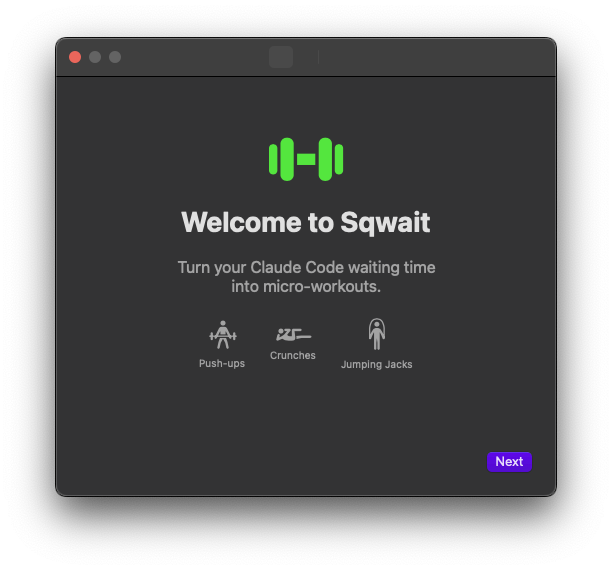
From install to your first push-up in under a minute
Download & activate
One file, one license key. Sqwait lives in your menu bar and starts monitoring automatically. No complex setup.
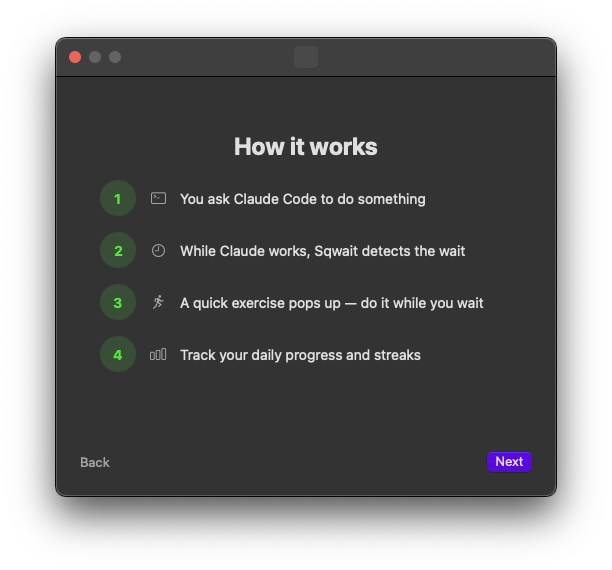
Code with Claude as usual
Sqwait monitors Claude Code's process activity in the background. Completely invisible until Claude starts working on something.
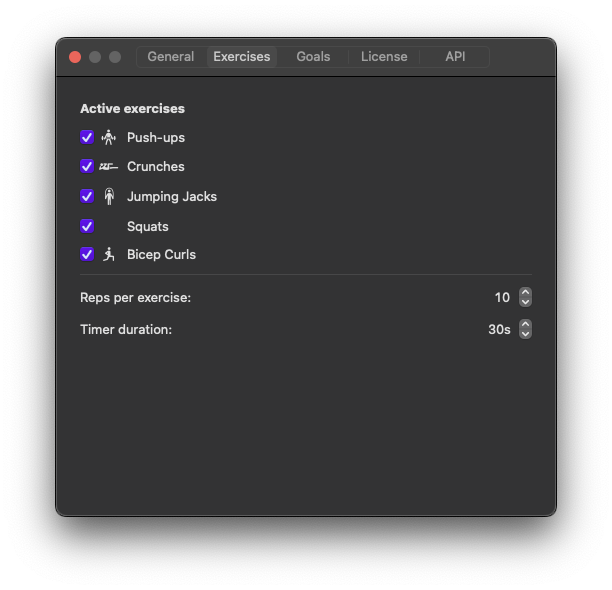
Workout or mindful break
When Claude works for 10+ seconds, an exercise or meditation session appears. 10+ exercises, custom exercises, or guided breathing with ambient sounds.
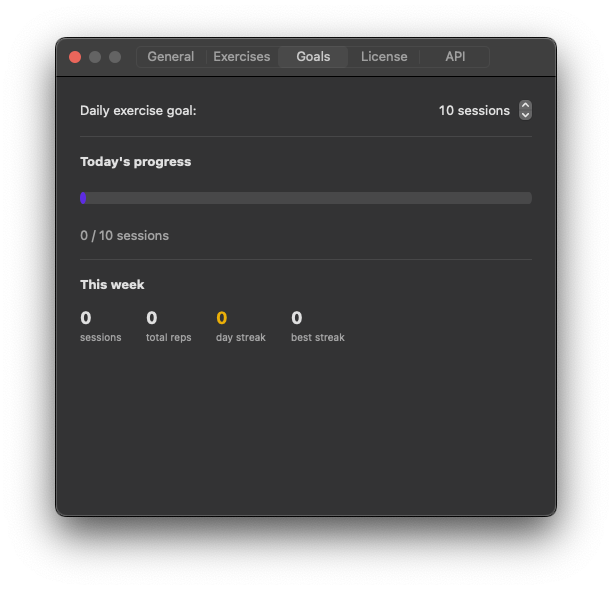
Goals, streaks & stats
Set daily goals and watch your streak grow. Weekly stats, total reps, personal bests — all in the menu bar.
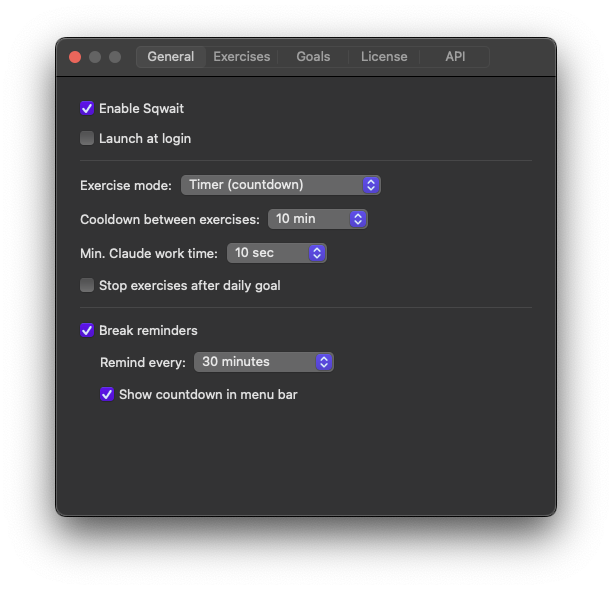
Make it yours
Cooldown between exercises, minimum wait time, break reminders with a countdown timer, exercise mode — tweak everything.
Built for developers who sit too much
Invisible until you need it. No friction, no distractions.
Smart Detection
Monitors Claude Code process activity. No config needed — it just works.
10+ Exercises
Push-ups, squats, crunches, lunges, plank, burpees and more. Add your own custom exercises.
Meditation Mode
Guided breathing with ambient sounds — rain, ocean, campfire. Mindful breaks between code sessions.
Streaks & Goals
Daily goals, streak tracking, and stats with charts. Stay consistent.
Break Reminders
Configurable countdown in the menu bar. Pause, resume, reset.
100% Private
Fully offline. No data leaves your Mac. No analytics, no cloud.
One price. Forever.
- 10+ exercises & custom exercises
- Meditation mode with ambient sounds
- Streaks, goals & stats with charts
- Break reminders with countdown
- Auto-updates
- 100% offline & private
macOS 13+ · Apple Silicon & Intel
Questions & answers
What is Sqwait?
Sqwait is a macOS menu bar app that detects when Claude Code (the AI coding assistant) is processing a task and prompts you to exercise or meditate while you wait. 10+ built-in exercises, custom exercises, and a meditation mode with ambient sounds.
How does Sqwait detect Claude Code?
Sqwait monitors macOS process activity using native system APIs (sysctl). It checks if the Claude CLI process has active child processes, which means it's running tools or generating code. No terminal output is read, no data is captured — just process state.
Does it work with other AI tools?
Currently Sqwait is designed specifically for Claude Code (the claude CLI). Support for other AI coding tools like GitHub Copilot in terminal or Cursor may be added in future updates.
Is my data private?
100%. Sqwait works entirely offline. No data ever leaves your Mac — no analytics, no telemetry, no cloud sync. Exercise stats are stored locally in ~/Library/Application Support/Sqwait/. Your license key is stored in the macOS Keychain.
What macOS versions are supported?
Sqwait requires macOS 13 (Ventura) or later. It runs natively on both Apple Silicon (M1/M2/M3/M4) and Intel Macs.
Can I customize which exercises appear?
Yes. In Settings → Exercises you can enable or disable any of the 10 built-in exercises, add your own custom exercises, set reps, and choose between timer mode, manual mode, or meditation mode with ambient sounds.
How often does the exercise popup appear?
Only when Claude Code works for longer than your configured minimum time (default 10 seconds). There's also a cooldown setting (default 10 minutes) between exercises so you're not interrupted constantly.
Is this a subscription?
No. $6.99 is a one-time payment for a lifetime license. Free updates forever. No recurring charges.
How do I get my license key?
After purchase, you'll receive an email with your license key. Open Sqwait → Settings → License, paste the key, and click Activate. That's it.
What are break reminders?
Separate from exercises, Sqwait has a configurable break timer (15/30/45/60 minutes) that reminds you to stand up, stretch, and look away from the screen. The countdown is visible in the menu bar.
Every minute Claude thinks
is a minute you could be stronger.
Stop sitting. Start squatting.
Get Sqwait